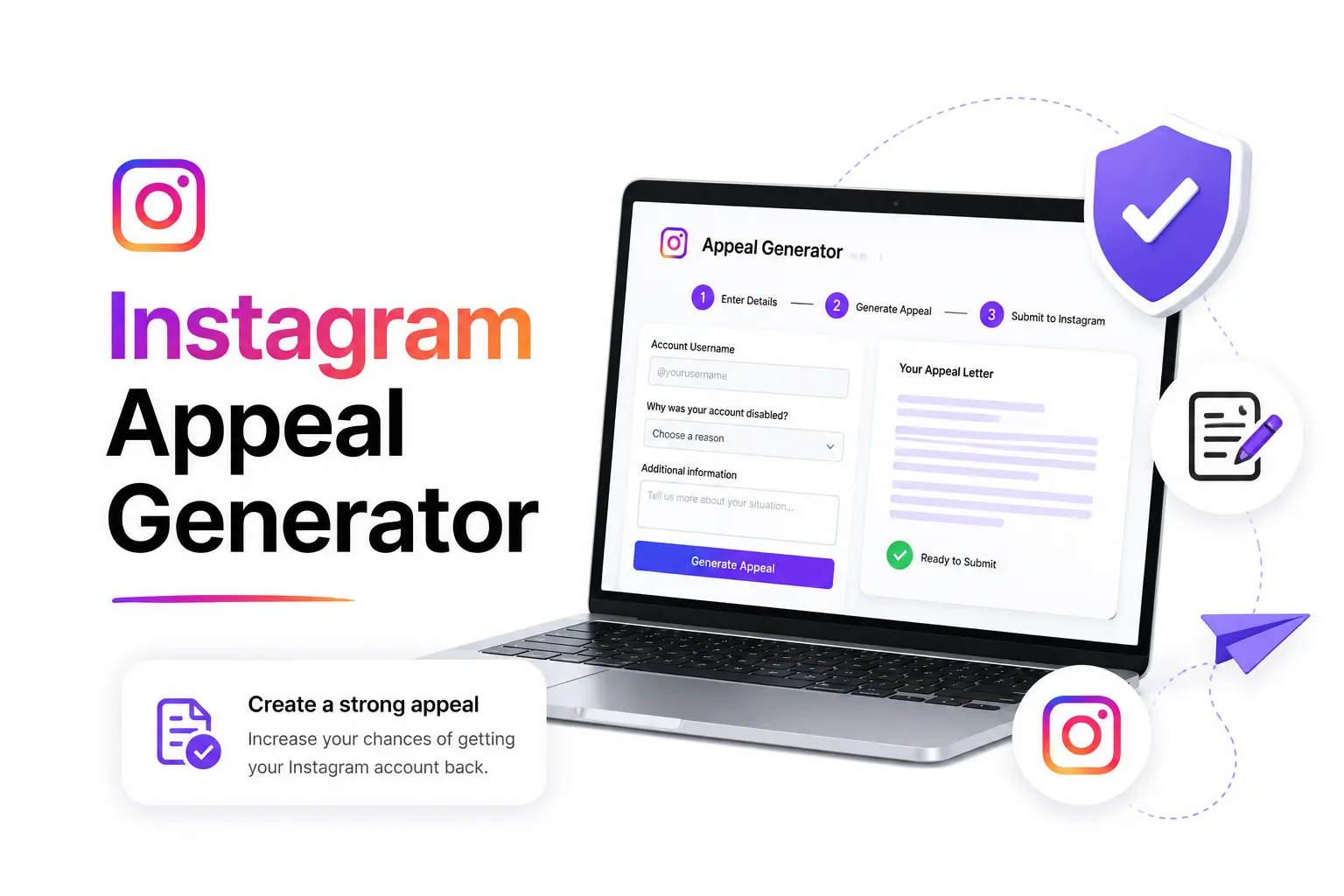
Instagram Appeal Generator: Write Winning Appeals in 60 Seconds
Free AI-powered tool to create Meta-compliant appeals instantly. No login required.
Having your Instagram account disabled can feel devastating. Whether you have 100 followers or 100,000, losing access to your account means losing your content, connections, and potentially your business. The good news? Most disabled accounts can be recovered with the right approach.
This comprehensive guide will walk you through everything you need to know about recovering a disabled Instagram account in 2026, including step-by-step instructions, proven appeal templates, and insider tips that have helped over 130,000 users get their accounts back.
Before diving into recovery methods, it's crucial to understand why Instagram disables accounts. Instagram (owned by Meta) has strict community guidelines and terms of service. Violations can result in account suspension or permanent disablement.
Instagram uses both automated systems and human reviewers. Sometimes accounts are disabled by mistake due to automated detection errors. This is why the appeals process exists.
Understanding the difference between a temporary suspension and permanent disablement is critical:
Your account is temporarily restricted but not deleted. You might see messages like "Your account has been suspended" or "Action blocked." These usually:
Your account is completely disabled and you cannot log in. You'll typically see "Your account has been disabled for violating our terms." These:
Our AI-powered tool generates Meta-compliant appeals in 60 seconds. 130,000+ accounts successfully recovered.
Generate My Free Appeal NowFollow these steps carefully to maximize your chances of account recovery:
Try to log into your Instagram account:
Before appealing, understand what you might have violated. Read our detailed breakdown of Instagram's community guidelines to understand the rules. Review:
Identifying the potential violation helps you craft a better appeal that specifically addresses Instagram's concerns. Use our free AI appeal tool to generate your appeal.
Instagram provides several official channels for appeals:
Using Meta AI support assistant (in-app or web) typically results in 40% faster review times compared to traditional email appeals. This is Instagram's preferred method in 2026.
Your appeal is your only chance to communicate with Instagram's review team. A well-crafted appeal significantly increases recovery chances.
Subject: Appeal for Disabled Account @[username]
Dear Instagram Support Team,
I am writing to respectfully appeal the disablement of my Instagram account (@[username]). I was notified on [date] that my account was disabled for violating Instagram's Terms of Service.
[Acknowledge potential violation or explain misunderstanding]
This account is important to me because [brief explanation - business, personal memories, creative portfolio]. I have approximately [X] followers and have been an active member of the Instagram community since [year].
I understand and respect Instagram's Community Guidelines and Terms of Service. I commit to ensuring all future content complies with your policies. I am willing to provide any additional verification required.
Contact Information:
Email: [your email]
Phone: [your phone]
Full Name: [your name]
I respectfully request a review of my account disablement. Thank you for your time and consideration.
Sincerely,
[Your Name]
Our AI analyzes your situation and creates a perfectly formatted, Meta-compliant appeal tailored to your specific case. Used by 130,000+ successful recoveries.
Generate My Custom Appeal FreeInstagram may ask you to verify your identity by:
Important: Only provide verification through official Instagram channels. Never send ID or personal information through email or third-party services.
After submitting your appeal:
Don't give up! Many successful recoveries happen on the second or third appeal attempt.
Don't submit emotional, angry, or threatening appeals. Don't spam Instagram with multiple appeals per day. Don't use paid "recovery services" that promise guaranteed results. Don't create new accounts to harass Instagram staff. These tactics reduce your chances of recovery.
Based on analysis of 130,000+ successful recoveries:
AI-generated appeals submitted through Meta AI support assistant show 40% faster review times on average.
Once you recover your account, follow these best practices:
Stop stressing about what to write. Our AI tool creates professional, Meta-compliant appeals that get results. Free, fast, and proven to work.
Generate My Appeal in 60 SecondsKnowing how Instagram processes appeals helps you understand what to expect:
If you're a business or creator, include these additional elements in your appeal:
If multiple appeals through standard channels don't work:
If you have a linked Facebook Business account, you may get access to Meta Business support. They sometimes have more direct channels to Instagram account teams.
For serious cases where your account was wrongfully disabled and has significant value, you can submit a legal request through Meta's legal channels. This is typically reserved for businesses with substantial losses.
High-profile cases sometimes get attention through social media or tech news outlets. If you have a large following on other platforms, sharing your story can sometimes prompt faster reviews.
Be extremely cautious of services promising guaranteed account recovery for money. Most are scams. Instagram does not partner with third-party recovery services. Legitimate help should be free or low-cost tools (like appeal generators), not expensive "guaranteed recovery" services.
Here are real examples from our 130,000+ successful recoveries:
"My account was permanently disabled during a brand collaboration. I used the AI appeal generator, submitted through Meta AI, and got my account back in 5 days. The appeal was so much better than what I wrote myself." - Priya S.
"Business account suspended during our product launch. AI-generated appeal addressed everything Meta needed to see. Restored in 6 days. This tool saved our business thousands in lost sales." - David K.
"Blue checkmark account locked overnight. The AI appeal was exceptional - specifically addressed the violation, provided context, and was formatted perfectly. Account back in 5 days." - Robert C.
Join 130,000+ users who successfully recovered their accounts with AI-generated appeals. Free, fast, and proven to work.
Generate My Free Appeal NowBased on 130,000+ successful recoveries, most disabled Instagram accounts are reviewed within 3-7 days. Simple cases can be resolved in 24-48 hours, while permanently disabled accounts may take up to 14 days for Instagram to review. Using Meta AI support assistant typically results in 40% faster review times.
Yes, permanently disabled accounts can be recovered. While more challenging than temporary suspensions, thousands of permanently disabled accounts have been successfully reinstated through proper appeals. The key is submitting a well-structured, Meta-compliant appeal that addresses the specific violation and demonstrates understanding of community guidelines.
The most common reasons include: posting prohibited content (nudity, violence, hate speech), violating community guidelines, using automation or bots, impersonation, copyright infringement, excessive follow/unfollow activity, spam behavior, and underage accounts (under 13 years old). Sometimes accounts are disabled by mistake due to automated detection errors.
Instagram doesn't publicly specify a limit, but you can typically submit multiple appeals. It's recommended to wait 24-48 hours between appeals and ensure each subsequent appeal includes additional context or information. Quality matters more than quantity - a well-crafted second appeal often succeeds where the first didn't.
Be cautious about creating a new account. If your original account was disabled for violations, creating a new account to continue similar activity may result in that account being disabled too. However, if you need a backup account, ensure it follows all guidelines. Don't use the new account to try to contact Instagram about your disabled account, as this can be viewed as harassment.
While your account is disabled, your content isn't visible to others, but it's not deleted. If Instagram approves your appeal and reinstates your account, everything should be restored: followers, posts, stories highlights, messages, and all other content. This is why recovery is worth pursuing even if it takes time.