How to Recover a Disabled Instagram Account in 2026
Complete step-by-step guide with proven methods and timeline expectations.
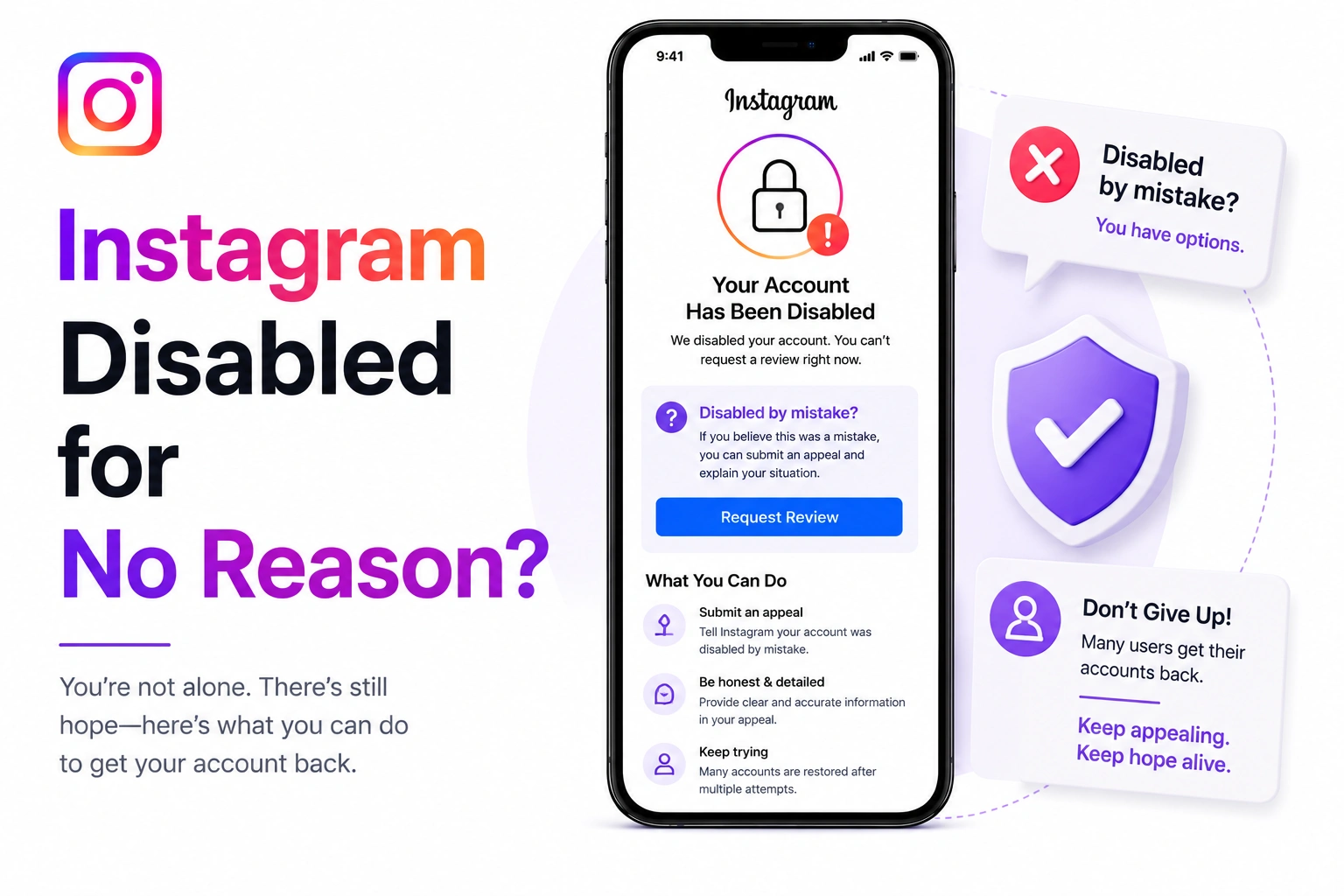
You wake up, check Instagram, and your account is gone. Disabled. The reason? Some vague message about violating community guidelines or terms of service. But here's the thing - you know you didn't do anything wrong.
This isn't just frustrating. It's infuriating. You've followed every rule, posted appropriate content, and suddenly you're locked out with no clear explanation. The good news? You're not alone, and this might be Instagram's mistake, not yours.
Instagram uses sophisticated AI and machine learning to monitor billions of posts, stories, and accounts. While this technology is impressive, it's far from perfect.
Instagram's moderation operates on multiple levels:
The problem? AI isn't human. It doesn't understand context, sarcasm, regional differences, or legitimate use cases that might look suspicious to an algorithm.
Based on industry analysis and user reports, approximately 10-15% of Instagram account disablements are false positives - accounts disabled by mistake. That's potentially millions of wrongfully disabled accounts each year.
You posted something that went viral. Congratulations! Except Instagram's algorithm sees sudden follower spikes as suspicious. Rapid growth can trigger automated fraud detection, even when it's completely organic.
Why it happens:
Someone doesn't like you - maybe an ex, a competitor, or online trolls. They organize a group to mass-report your account. Instagram's system sees multiple reports and automatically disables the account pending review.
Common scenarios:
You're a fitness trainer posting workout videos. Instagram's AI flags them as inappropriate content. You're an artist posting tasteful nude drawings. Algorithm sees nudity. You're a news commentator sharing important but graphic content. Automated system sees violence.
Frequently misidentified content:
You used a legitimate scheduling tool or analytics platform. Instagram's system categorized it as automation. Even Meta-approved partners can sometimes trigger false positives.
Apps that sometimes cause issues:
You posted your own music, photography, or video. Instagram's copyright detection system flagged it because it matches copyrighted content - yours. The system doesn't always recognize you as the original creator.
Instagram constantly updates its algorithms. Sometimes new updates have bugs that incorrectly flag legitimate accounts. You might just be unlucky timing.
In early 2026, Instagram rolled out updated AI moderation that temporarily flagged thousands of legitimate business accounts as spam. Meta acknowledged the error and restored most accounts within 48-72 hours, but many users had to appeal to trigger the review.
Ask yourself these questions honestly:
If you answered "no" to most of these questions, there's a strong chance your disable is a false positive.
Our AI tool creates appeals specifically for false positive cases, helping you prove your innocence professionally.
Generate Free AppealBe direct and factual. "My account was disabled on [date] for [reason given]. I believe this is an error because I have not violated Instagram's policies."
Explain what you were doing that might have triggered the flag:
Show you know the rules: "I have reviewed Instagram's Community Guidelines and cannot identify any content or behavior that violated these policies."
Be specific about your account history:
"I respectfully request a human review of my account, as I believe the disablement resulted from an automated error rather than an actual policy violation."
Subject: Appeal for Wrongful Account Disable - @username
Dear Instagram Review Team,
My account @username was disabled on May 8, 2026, for "violating community guidelines." I am writing to appeal this decision as I believe my account was disabled in error.
I have carefully reviewed Instagram's Community Guidelines and Terms of Service. I cannot identify any content or activity that violated these policies. My account history shows [X years] of consistent, guideline-compliant content with no previous violations or warnings.
[Provide specific context about what might have triggered the flag]
I am [your profession/account purpose] and use Instagram to [legitimate purpose]. This account is important for [business/community/personal reasons] and has approximately [X] followers.
I believe my account may have been flagged due to [automated detection error/mass reporting/algorithm update] rather than actual policy violations. I respectfully request a human review of my account and its content history.
I am committed to following all of Instagram's policies and am happy to provide verification, identification, or any additional information needed.
Account Details:
Username: @username
Email: your@email.com
Phone: +1234567890
Account Type: [Personal/Business/Creator]
Approximate Followers: [X]
Thank you for your time and consideration in reviewing my case.
Respectfully,
[Your Name]
If you have any of the following, mention it in your appeal:
False positive cases typically resolve faster than legitimate violations:
Having strong evidence and a well-written appeal significantly speeds up the process.
Based on user reports and data analysis, false positive appeals have a higher success rate:
If your account was disabled during a known algorithm update or bug, mention this in your appeal. Instagram is more likely to quickly review cases that may be part of a larger systemic issue.
Bad: "I didn't do anything wrong, restore my account."
Good: "I posted fitness content that may have triggered automated filters, but it complies with guidelines."
Explain what you were doing that might look suspicious to an algorithm. This helps reviewers understand the false flag.
Bad: "This is unacceptable and you must fix this immediately."
Good: "I respectfully request a human review as I believe this is an automated error."
Even if Instagram's algorithm made a mistake, criticizing their technology doesn't help your case. Stay professional.
False positive cases benefit from verification. Always offer to provide ID or additional documentation.
Don't give up. Many false positive cases require multiple appeals:
Our AI tool specializes in crafting appeals for false positive cases, with optimized language that gets results.
Generate My Appeal NowOnce you get your account back, protect yourself from future false flags:
While Instagram is a private platform, you do have some recourse:
"My account was disabled overnight with no warning. I posted workout videos that Instagram's AI must have flagged. Used the appeal generator to explain I'm a certified trainer posting educational content. Account restored in 48 hours." - Maria T.
"I photograph fine art nudes for museums and galleries. Instagram disabled my professional portfolio account. The AI appeal explained the artistic and educational nature. Back online in 5 days after human review." - David K.
"Woke up to a disabled account during our biggest sale. No explanation. Generated an appeal showing our legitimate business history and verified business documents. Restored in 72 hours. Saved our business." - Jennifer R.
Stop wasting time. Our AI generates perfect appeals for false positive cases in 60 seconds.
Generate My Free AppealYes, absolutely. Instagram's automated detection systems can and do make mistakes. Studies suggest approximately 10-15% of account disablements are false positives. Common causes include algorithm errors, mass reporting abuse by malicious users, and legitimate content that triggers automated flags incorrectly.
Provide clear evidence in your appeal: explain your account history and clean record, detail what you were doing when disabled, explain why your content is legitimate, and offer to provide verification (ID, business documents). Include specific dates, context about your content type, and demonstrate understanding of community guidelines.
Focus your appeal on facts rather than emotions. State clearly that you've reviewed the guidelines and cannot identify a violation. Explain your normal account usage and posting patterns. Provide context for anything that might have been misinterpreted by automated systems. Offer to provide verification. Stay professional and request a human review of your case.
False positive cases typically resolve faster than legitimate violations. Clear mistakes are often fixed within 24-72 hours. Cases requiring human review usually take 3-7 days. Complex situations or high-volume periods may take up to 14 days. Having strong evidence and a well-written appeal significantly speeds up the review process.