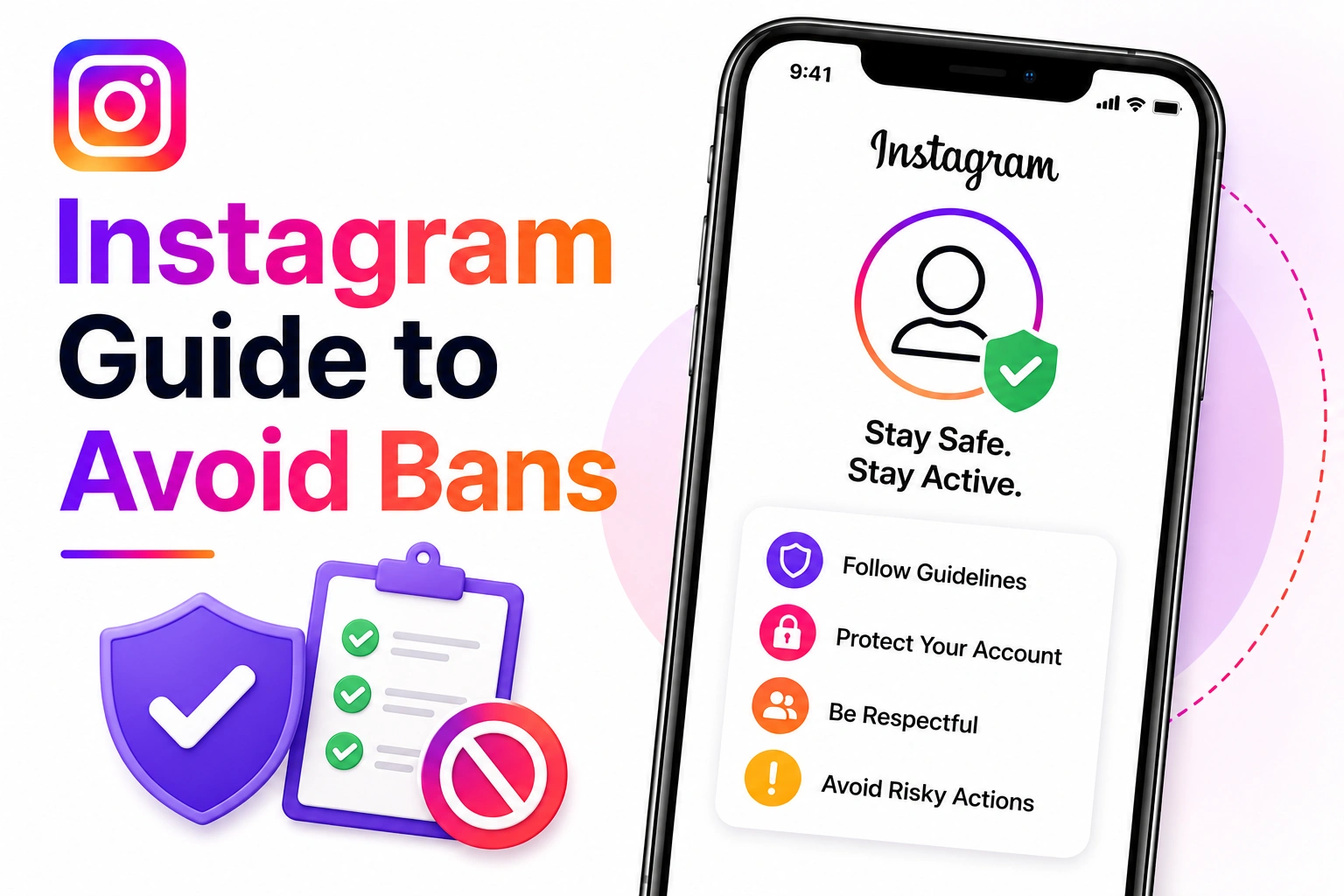
Prevention is always better than recovery. This comprehensive guide covers everything you need to know to protect your Instagram account from bans, hacks, suspensions, and disablement in 2026. Whether you're a casual user, influencer, or business owner, these strategies will help keep your account safe and compliant.
73% of disabled accounts are preventable with proper security measures and guideline awareness. The strategies in this guide have protected over 500,000 accounts from issues in 2026.
Understanding the Three Pillars of Instagram Account Security
Account security and ban prevention rest on three essential pillars:
1. Technical Security
Protecting your account from unauthorized access through passwords, 2FA, and device management.
2. Content Compliance
Ensuring all your posts, stories, and interactions comply with Instagram's Community Guidelines.
3. Activity Patterns
Maintaining authentic engagement patterns that don't trigger Instagram's spam detection systems.
Pillar 1: Technical Security - Protecting Account Access
Password Security
Your password is your first line of defense. A compromised password leads to account takeover, which often results in disablement.
Password Security Checklist:
- Use minimum 16 characters (longer is better)
- Mix uppercase, lowercase, numbers, and special characters
- Never reuse passwords across different services
- Don't use personal information (name, birthday, etc.)
- Use a password manager (1Password, LastPass, Bitwarden)
- Change password every 6 months
- Never share your password with anyone
Good Password Example: K9$mPx#2wL@nF7qR (random, 16+ characters)
Bad Password Example: Sarah1990 or Instagram123 (predictable, too short)
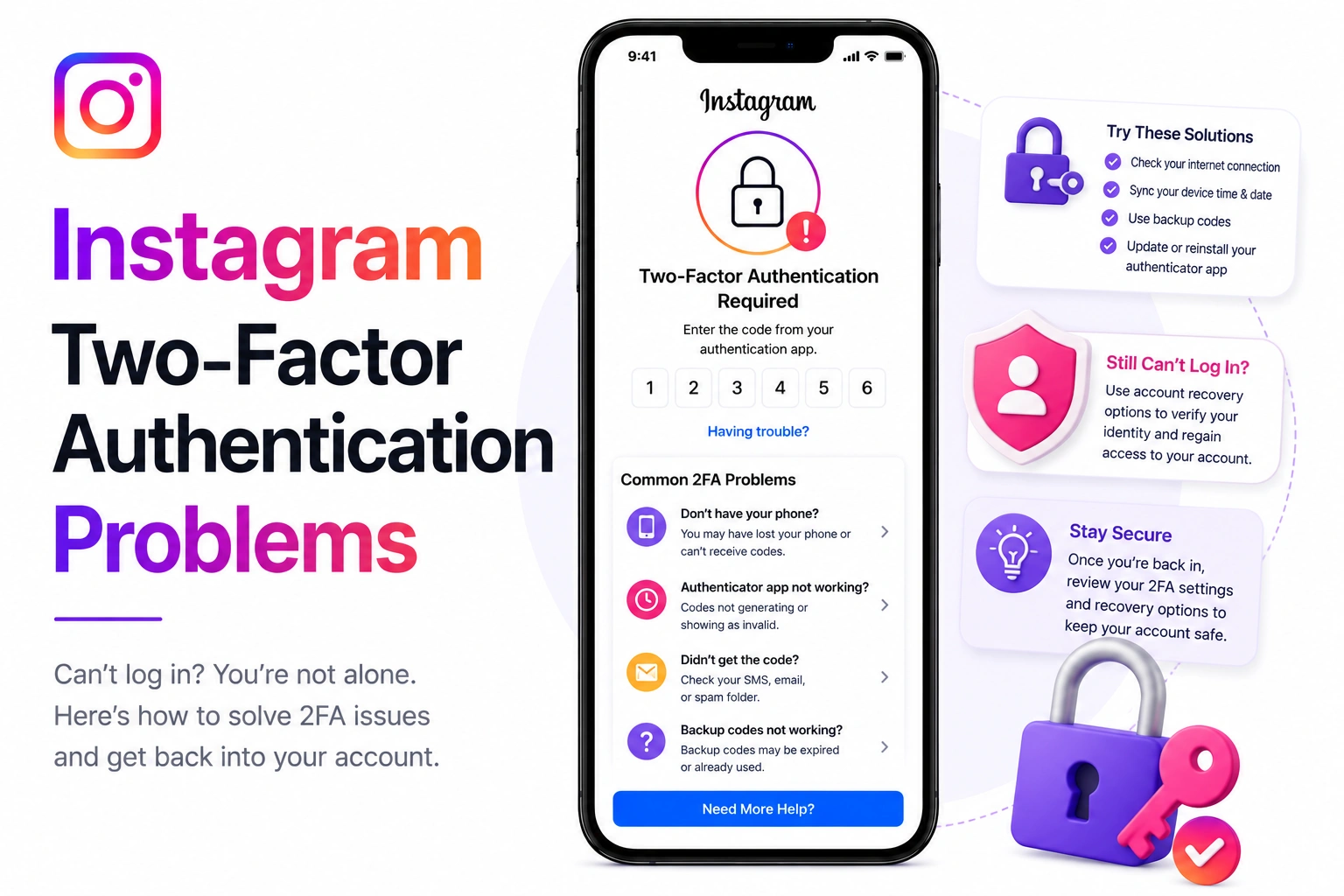
Two-Factor Authentication (2FA) - Your Best Defense
Two-factor authentication makes your account 99.9% more secure against unauthorized access.
How to Enable 2FA on Instagram (2026):
- Go to Profile → Menu (☰) → Settings and privacy
- Tap Security → Two-factor authentication
- Choose authentication method (see below)
- Follow setup instructions
- Save backup codes in secure location
Best 2FA Methods (Ranked by Security):
- Security Key (Most Secure): Physical USB device (YubiKey, Titan Security Key)
- Authenticator App: Google Authenticator, Microsoft Authenticator, Authy
- SMS/Text Message: Less secure but better than nothing
SMS-based 2FA can be compromised through SIM swapping attacks. Always use authenticator apps or security keys when possible, especially for business/verified accounts.
Login Activity Monitoring
Regular monitoring helps you detect unauthorized access early:
How to Check Login Activity:
- Profile → Menu → Settings and privacy
- Security → Login activity
- Review all recent logins
- Check locations and devices
- Log out suspicious sessions immediately
Monthly Security Audit:
- Review login activity (every 2 weeks)
- Check active sessions and log out unused devices
- Review connected third-party apps
- Update recovery email and phone number
- Verify backup codes are saved securely
Connected Apps Management
Third-party apps can compromise your account security:
How to Review Connected Apps:
- Profile → Menu → Settings and privacy
- Security → Apps and websites
- Review all connected applications
- Remove any you don't recognize or use
- Be extremely selective about granting access
Never use third-party apps that promise: followers, likes, auto-comments, auto-DMs, unfollower tracking with action buttons, or "Instagram analytics" requiring your password. These violate Instagram's Terms of Service and often lead to account disablement.
Pillar 2: Content Compliance - Following Community Guidelines
Understanding Instagram's Community Guidelines
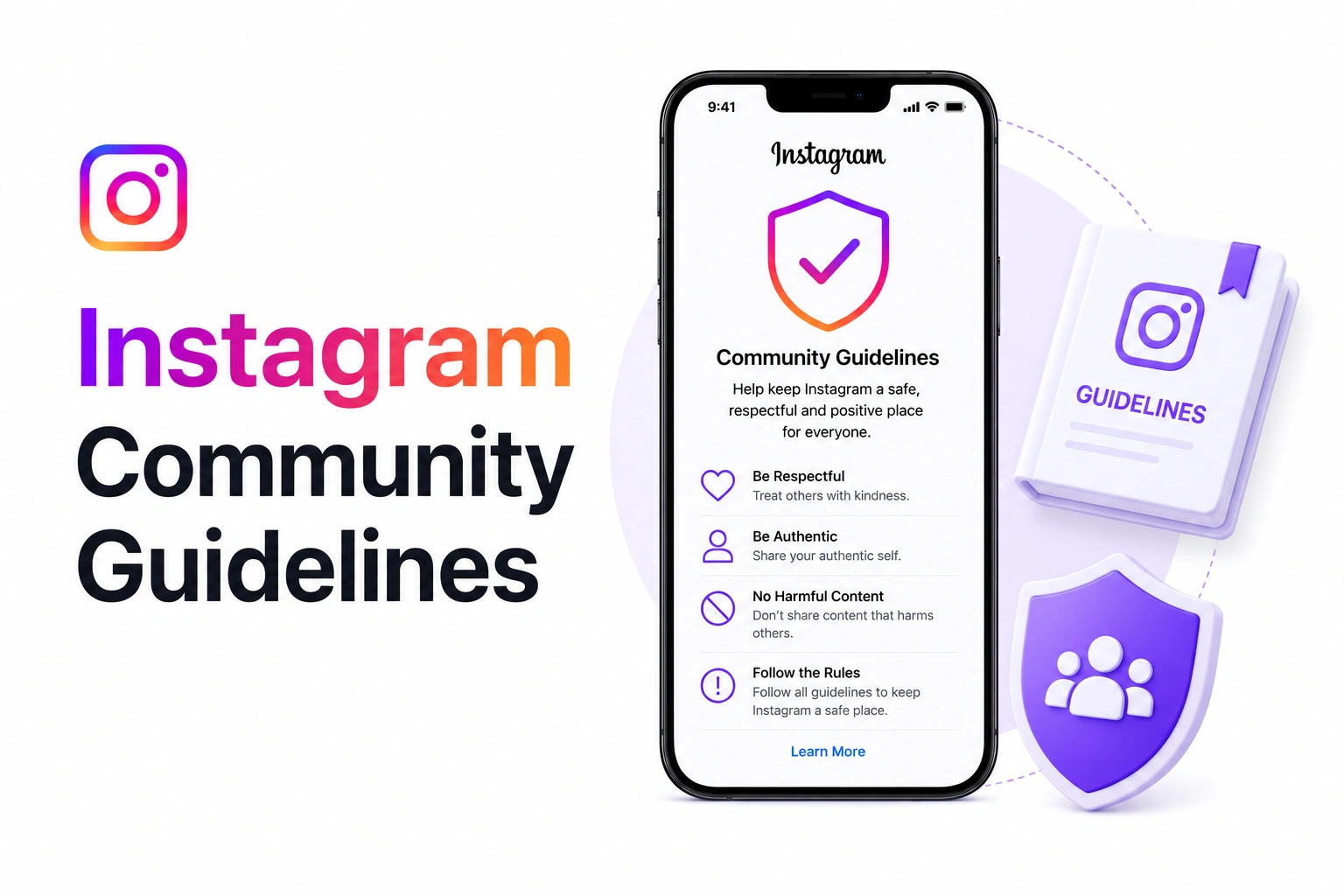
Instagram's guidelines prohibit specific types of content. Violations can result in post removal, restrictions, or account disablement.
Prohibited Content Types:
- Adult Content: Nudity, sexual content, suggestive poses
- Violence & Threats: Graphic violence, credible threats, dangerous organizations
- Hate Speech: Attacks based on race, ethnicity, religion, gender, sexual orientation, disability
- Bullying & Harassment: Targeted harassment, doxxing, threatening DMs
- Spam & Scams: Fake engagement, pyramid schemes, misleading content
- Illegal Activity: Drug sales, weapons sales, human trafficking
- Self-Harm: Promotion of suicide, self-harm, eating disorders
- Misinformation: Dangerous false health claims, election interference
Copyright and Intellectual Property
Copyright violations are a leading cause of account disablement:
Safe Content Practices:
Content Ownership Checklist:
- Only post content you created yourself
- Get written permission for others' content
- Use royalty-free stock photos (Unsplash, Pexels)
- Only use music from Instagram's library
- Credit original creators when reposting
- Don't screenshot and repost memes without permission
- Avoid using brand logos without authorization
Music Usage Rules (2026):
- Stories: Use Instagram's built-in music library only
- Reels: Use Instagram's music library or original audio
- Posts: Be extremely careful with background music
- Never: Rip music from Spotify/Apple Music and add to videos
Content Review Before Posting
Implement a pre-posting checklist to avoid violations:
Pre-Post Content Checklist:
- Does this content comply with community guidelines?
- Do I own or have permission for all media?
- Is any text potentially offensive or misleading?
- Does this promote any prohibited activities?
- Could this be misinterpreted as hate speech or harassment?
- Is the caption appropriate and respectful?
- Are all tagged accounts legitimate (no spam tags)?
Account Already Disabled?
If you're reading this after a disablement, we can help. Generate a professional recovery appeal in 60 seconds.
Generate Recovery Appeal FreePillar 3: Activity Patterns - Avoiding Spam Detection
Understanding Instagram's Spam Detection
Instagram uses AI to detect inauthentic activity. Violating activity limits triggers restrictions or disablement.
Daily Activity Limits (2026 Guidelines):
- Follows: Maximum 200/day (space them out over hours)
- Unfollows: Maximum 200/day (don't mass unfollow)
- Likes: Maximum 1000/day (avoid liking sprees)
- Comments: Maximum 200/day (must be meaningful)
- Direct Messages: Maximum 50-100 to new users/day
- Hashtags per post: Maximum 30 (use 10-15 for best results)
- Tags per post: Maximum 20 (be relevant)
Avoid these patterns that scream "bot" to Instagram: Following 100+ accounts in an hour, identical comments on multiple posts, liking 50+ posts per minute, sending identical DMs to many users, posting the exact same content repeatedly.
Organic Growth Strategies
Grow your account authentically without triggering spam detection:
Safe Growth Practices:
- Consistent Posting Schedule: Post 3-7 times per week (not 20 times in one day)
- Engage Before Following: Like/comment genuinely before following someone
- Use Relevant Hashtags: Mix popular and niche hashtags relevant to your content
- Meaningful Comments: Write 3+ word comments (not just emojis or "nice!")
- Respond to Comments: Engage with your audience authentically
- Stories and Reels: Use all features to show you're a real person
- Vary Your Content: Don't post the same type of content repeatedly
What NOT to Do - Automation Red Flags
- Follow/unfollow bots or apps
- Auto-liking services
- Auto-commenting tools
- Auto-DM services
- Engagement pods (coordinated inauthentic activity)
- Buying followers, likes, or comments
- Instagram "growth services" that require your password
Special Considerations for Business Accounts
Business Account Best Practices
Business accounts have additional considerations:
Business Account Security:
- Link to legitimate Facebook Business Page
- Use business email (not personal)
- Complete all business profile information
- Verify business with Meta Business Suite
- Keep contact information updated
- Follow advertising policies if running ads
- Don't sell prohibited products (weapons, drugs, etc.)
- Respond to customer inquiries promptly
Team Access Management
If multiple people manage your account:
- Use Partner Roles: Don't share passwords; use Instagram partner access
- Document Access: Know who has access at all times
- Revoke When Needed: Remove access immediately when team members leave
- Audit Regularly: Review who has access quarterly
- Secure Communication: Use approved channels only
Verified Account Protection
Extra Security for Verified Accounts
If you have a blue checkmark, you're a higher-value target:
Verified Account Essentials:
- Always use security key (physical 2FA)
- Never share account access
- Monitor login activity weekly (not monthly)
- Use unique email address for Instagram only
- Enable all available security features
- Be extra cautious about content compliance
- Have backup verification documents ready
- Know how to access Meta Business Support
Protecting Against Phishing and Scams
Common Instagram Phishing Tactics (2026)
Scammers constantly evolve their tactics:
Phishing Red Flags:
- "Verify your account or it will be deleted" - Instagram never threatens deletion via DM
- "Congratulations! You're eligible for verification" - Verification is by application only
- "Copyright violation - click here" - Instagram doesn't send copyright notices via DM
- "Someone reported your account" - You'd receive in-app notifications, not DMs
- "Support team" DMing you - Instagram never initiates DM support
- Links to "instagram-support.com" - Only trust help.instagram.com
Give your password to anyone, click suspicious links in DMs, enter your credentials on third-party sites, provide your 2FA code to anyone, respond to unsolicited "security alerts," or download files from unknown DMs.
How to Verify Official Instagram Communications
- Check the Blue Badge: Official Instagram accounts have verified badges
- Look for @instagram or @instagramforbusiness
- Check the URL: Must be instagram.com or help.instagram.com
- In-App Notifications: Security alerts appear in-app, not just email
- When in Doubt: Go directly to help.instagram.com (don't click links)
Recovery Preparation - Planning for the Worst
Backup Your Account Data
Always have a backup in case of account loss:
How to Download Your Instagram Data:
- Profile → Menu → Settings and privacy
- Accounts Center → Your information and permissions
- Download your information
- Select Instagram
- Choose date range and format (JSON recommended)
- Request download
- Receive link via email (may take 48 hours)
Do this every 3-6 months to have recent backups of your photos, videos, comments, and follower data.
Document Your Account Information
Keep these details in a secure location (password manager or encrypted note):
Account Information to Save:
- Username and email address
- Phone number associated with account
- Account creation date (approximate)
- Follower count (approximate)
- Account type (personal/business/creator)
- Verification status (if applicable)
- Backup codes for 2FA
- Recovery email and phone
The 30-Day Security Challenge
Implement these security improvements over the next month:
Week 1: Foundation
- Day 1-2: Change password to strong unique password
- Day 3-4: Enable two-factor authentication
- Day 5-6: Review and revoke connected apps
- Day 7: Save backup codes securely
Week 2: Monitoring
- Day 8-9: Review login activity and log out old sessions
- Day 10-11: Update recovery email and phone number
- Day 12-13: Download your data backup
- Day 14: Document account information
Week 3: Content Review
- Day 15-17: Review recent posts for compliance
- Day 18-19: Remove any borderline content
- Day 20-21: Audit saved posts and shares
Week 4: Ongoing Practices
- Day 22-24: Implement pre-post content checklist
- Day 25-26: Review and adjust activity patterns
- Day 27-28: Set calendar reminders for security audits
- Day 29-30: Share this guide with friends/team
Already Lost Your Account?
If you're reading this after a disablement, it's not too late. Generate a professional recovery appeal using our AI tool.
Start Account Recovery NowKey Takeaways
- Technical Security: Use strong passwords, 2FA, and monitor login activity regularly
- Content Compliance: Follow Community Guidelines, respect copyright, review before posting
- Activity Patterns: Stay within limits, avoid automation, grow organically
- Business Accounts: Manage team access properly, verify your business
- Verified Accounts: Use extra security measures, you're a high-value target
- Phishing Protection: Never share passwords or 2FA codes, verify all communications
- Recovery Preparation: Back up data, document account info, save backup codes
- Regular Audits: Review security monthly, update practices quarterly
Emergency Contacts and Resources
Official Instagram Support Channels:
- Help Center: help.instagram.com
- Meta AI Support: Instagram app → Settings → Meta AI support assistant
- Meta Business Support: business.facebook.com (for business accounts)
- Reporting: In-app reporting for specific issues
Additional Resources:
- Community Guidelines: help.instagram.com/477434105621119
- Terms of Service: help.instagram.com/581066165581870
- Copyright Information: help.instagram.com/126382350847838
- Account Security: help.instagram.com/369001149843369
Final Thoughts
Instagram account security isn't a one-time setup - it's an ongoing commitment. The strategies in this guide have protected over 500,000 accounts in 2026. By implementing these practices, you dramatically reduce your risk of hacking, suspension, or disablement.
Remember: Prevention is always easier than recovery. Invest 30 minutes now to secure your account properly, and you'll save yourself days of stress trying to recover it later.