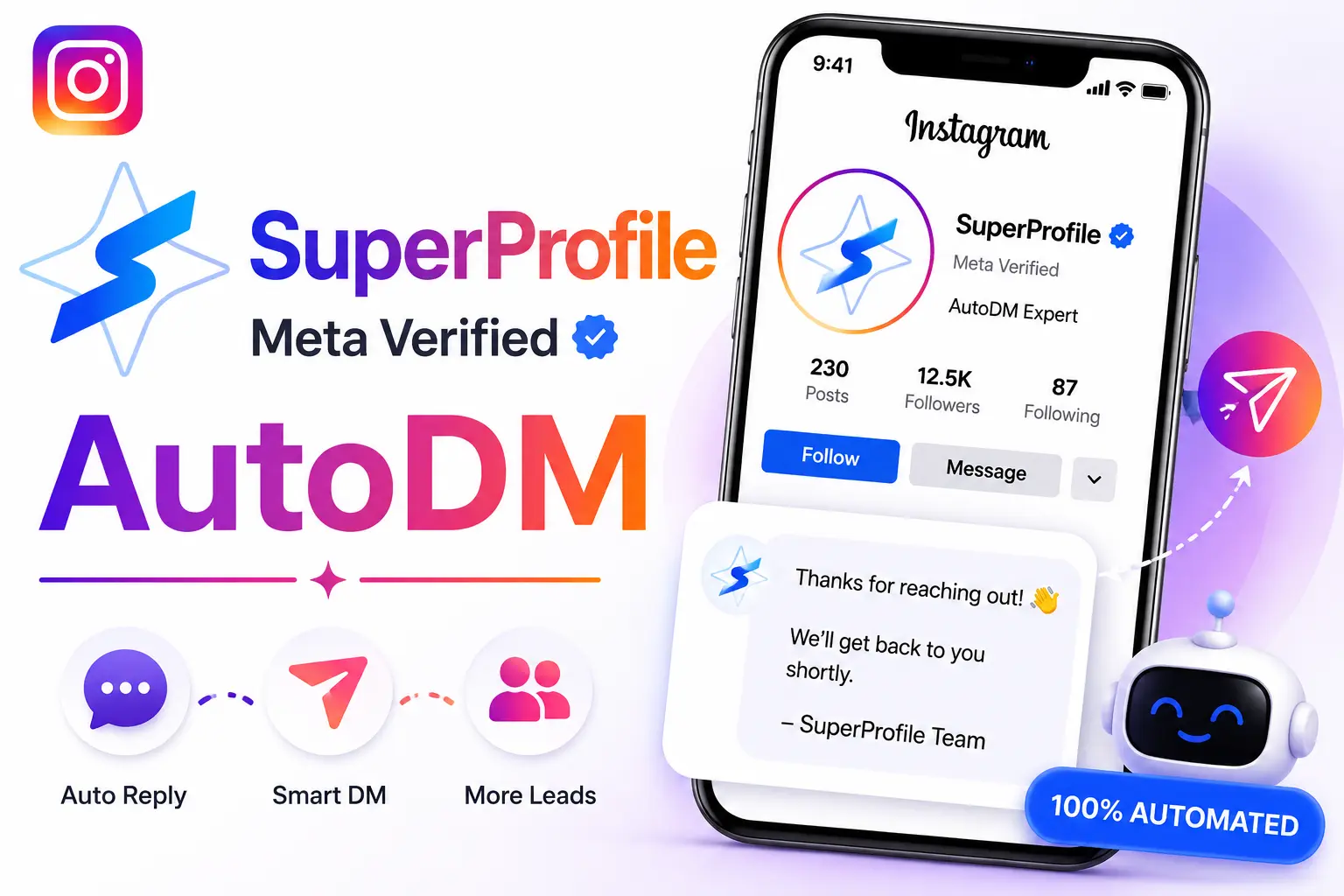
Is SuperProfile AutoDM Meta Verified?
Yes, SuperProfile is an official Meta Tech Provider. Learn why 300,000+ creators trust this Forbes-recognized tool.
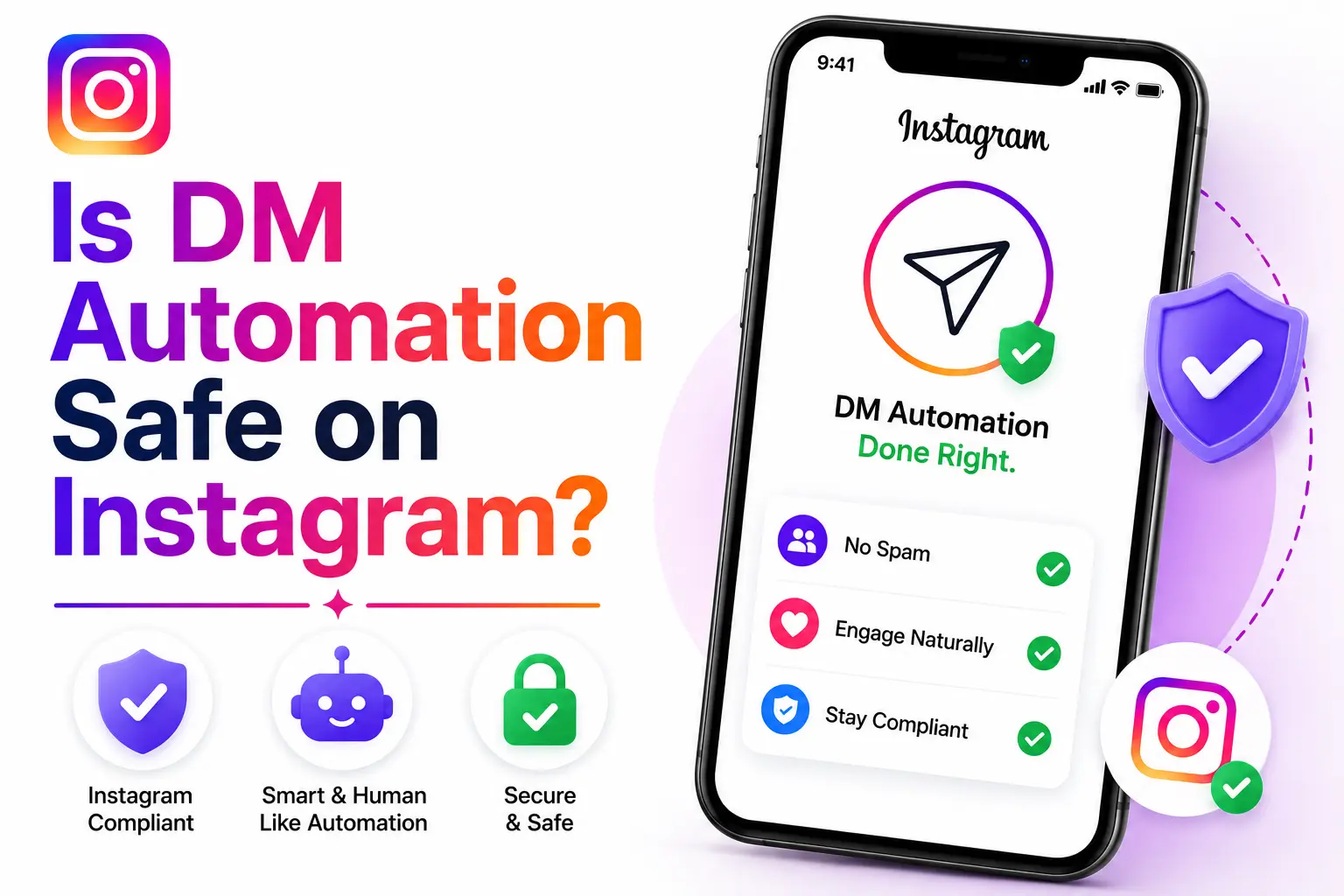
Short answer: Yes, DM automation is completely safe when you use Meta-verified tools that comply with Instagram's official APIs. However, using unauthorized bots or spam tactics can get your account disabled permanently.
If you're a creator, business owner, or influencer considering DM automation, you're probably worried about account safety. Instagram is known for disabling accounts that violate their Terms of Service, and automation tools have a mixed reputation.
In this guide, you'll learn exactly which automation is safe, what violates Instagram's policies, and how to protect your account while still benefiting from automation.
DM automation refers to tools that automatically send, manage, or respond to Instagram Direct Messages on your behalf. These tools can:
The key question is: Are these tools allowed by Instagram?
The answer depends entirely on whether the tool uses official Instagram Business APIs or unauthorized methods.
Meta-verified automation tools are completely safe and explicitly allowed by Instagram.
These tools are approved by Meta (Instagram's parent company) as official technology partners. They use Instagram's Business API, which means they:
Examples of Meta-verified tools include platforms like SuperProfile AutoDM (official Meta Tech Provider) and other companies listed in Meta's Business Partners directory.
Meta-verified tools use official APIs that are designed by Instagram specifically for automation. Instagram knows these tools are being used and has approved them. Using them is no different from using Instagram's native business features.
Before using any automation tool, verify it's Meta-approved by checking:
If you can't verify a tool's Meta approval status, don't risk using it.
While Meta-verified automation is safe, many "growth hacking" bots and third-party tools violate Instagram's policies and can get your account disabled.
According to Meta's Community Standards on Account Integrity, the following activities are prohibited:
Third-party bots that ask for your Instagram username and password are extremely dangerous. They violate Instagram's Terms of Service and can lead to account suspension, password theft, or permanent ban. Never share your Instagram credentials with unauthorized tools.
Instagram's Community Guidelines explicitly state that users must:
Violating these guidelines can result in:
Learn more about what gets accounts disabled in our guide on Instagram Community Guidelines Explained.
| Feature | Meta-Verified Tools | Third-Party Bots |
|---|---|---|
| API Access | ✓ Official Instagram Business API | ✗ Unofficial scraping/automation |
| Account Safety | ✓ Completely safe | ✗ High risk of account ban |
| Instagram Approval | ✓ Approved by Meta | ✗ Violates Terms of Service |
| Rate Limits | ✓ Follows Instagram's limits | ✗ Often exceeds limits (spam) |
| Login Method | ✓ OAuth (no password sharing) | ✗ Requires password (security risk) |
| Compliance | ✓ GDPR, privacy laws compliant | ✗ Often violates privacy laws |
| Support | ✓ Direct support from Meta partners | ✗ No official support |
Instagram uses sophisticated algorithms and machine learning to detect automation that violates their policies. Here's what they look for:
When you use Meta-verified tools, Instagram knows you're using them because they use official APIs. This is not "detection" in a negative sense—it's approved usage. Instagram has explicitly authorized these tools to operate on their platform.
If you want to use DM automation safely, follow these best practices:
This is the #1 rule. If a tool isn't Meta-verified, don't risk your account. Check their website for official Meta badges, verify them in Meta's Business Partners directory, and look for case studies or partnerships with Meta.
Even with approved tools, don't spam. Only send automated DMs to users who:
Use dynamic fields like the user's name, previous interactions, or specific interests. Generic, copy-paste messages are more likely to be reported as spam.
Even with approved tools, don't push the limits. If you're sending hundreds of DMs per day, users will report you as spam. Focus on quality over quantity.
Regularly check for warnings or notifications from Instagram. If you receive a warning about automation, stop immediately and review your practices.
Read and understand Instagram's Community Guidelines and Meta's Community Standards. These policies apply to all users, even those using approved automation.
Learn advanced security practices to keep your account safe while using automation and other business tools.
Read Security Guide →If you receive a warning or your account is suspended for automation violations, here's what to do:
Disconnect any third-party bots or unauthorized tools from your account. Change your Instagram password if you shared it with any third-party apps.
Read Instagram's Community Guidelines and Terms of Service to understand what you violated. This will help you avoid future violations.
If you believe the action was a mistake, submit an appeal through Instagram's in-app appeal process. Be honest and explain that you've removed the violating tool and understand the policies.
Our free appeal generator can help you write a professional, Meta-compliant appeal in 60 seconds.
If you need automation, switch to a Meta-verified tool that uses official APIs. This ensures you won't face future violations.
DM automation is safe when done right. The key is using Meta-verified tools that comply with Instagram's official APIs and following Instagram's Community Guidelines.
Here's the summary:
Before using any automation tool, verify it's Meta-approved. If you can't find proof of Meta partnership, don't risk your account.
Remember: Instagram wants you to succeed. They provide official APIs and approve automation tools because they know businesses need these features. The rules exist to prevent spam and protect users, not to stop legitimate businesses from automating customer service.
Yes, DM automation is completely safe when you use Meta-verified tools that comply with Instagram's official APIs. These tools are approved by Meta and follow Instagram's Terms of Service. However, using third-party bots or scripts that violate Instagram's policies can result in account suspension or permanent ban.
Meta-verified tools use official Instagram Business APIs and are approved by Meta as technology partners. They follow rate limits, respect user privacy, and comply with Instagram's Terms of Service. Spam bots use unofficial methods, violate rate limits, engage in mass following/unfollowing, send unsolicited messages, and can get your account disabled.
Instagram can detect unauthorized automation that violates their Terms of Service, such as third-party bots or scripts. However, Meta-verified tools that use official APIs are explicitly allowed by Instagram. These tools work within Instagram's ecosystem and are designed to be compliant with their detection systems.
Prohibited activities include: mass DMs to users who haven't engaged with you, automated follow/unfollow schemes, like/comment bots on random posts, scraping user data without permission, fake engagement (buying likes/followers), impersonation or misleading behavior, and using third-party apps that don't use official APIs. These activities can result in account suspension.
Meta-verified tools display official Meta Tech Provider or Meta Business Partner badges on their websites. Verify they use official Instagram Business APIs, look for case studies or partnerships with Meta, and check if the company has been featured in official Meta announcements or events. If unsure, contact Meta support to verify.
First-time violations usually result in a warning or temporary action block (24-48 hours). Repeated violations can lead to account suspension or permanent ban. If you receive a warning, stop using the violating tool immediately, review Instagram's Community Guidelines and Terms of Service, switch to a Meta-verified tool if you need automation, and submit an appeal if you believe the action was a mistake.
DM automation can be a powerful tool for creators and businesses, but only when used responsibly and with approved tools.
The difference between safe and unsafe automation comes down to one thing: Are you using Meta-verified tools that follow Instagram's official APIs?
If yes, you're completely safe. If no, you're risking your account.
Before using any automation, do your research. Verify the tool's Meta approval status, read user reviews, and check their compliance with Instagram's policies. Your account is too valuable to risk on unauthorized tools.
Remember: If your account gets disabled, our free appeal generator can help you write a professional appeal in minutes.